

Project Management
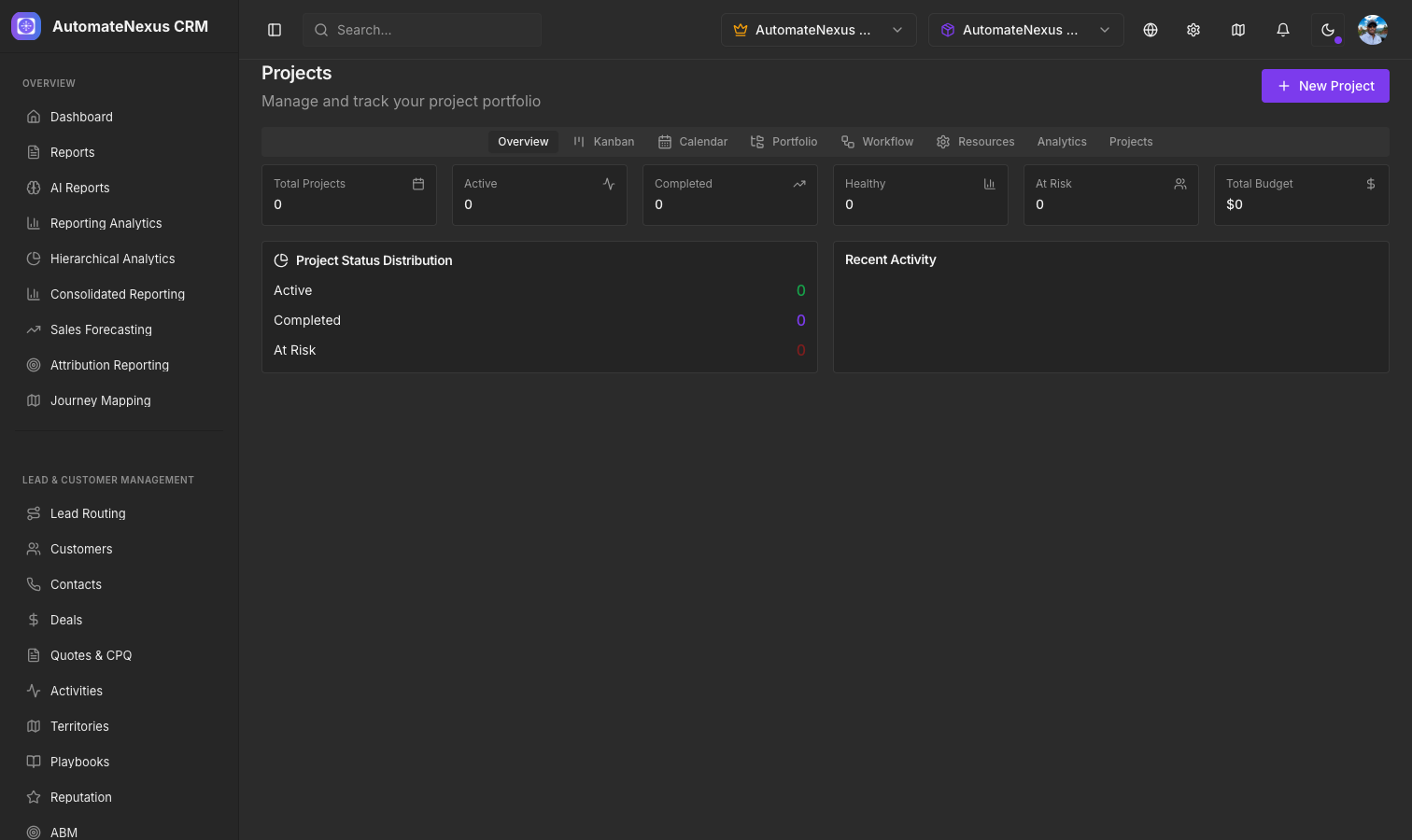
Creating Projects
Navigate to Projects & Work Management > Projects to create and manage projects. Each project includes:
- Project name and description
- Start and end dates
- Team members assigned to the project
- Status tracking (Not Started, In Progress, On Hold, Completed)
- Budget and billing information
Project Templates
Save time by creating project templates for repeatable processes. Templates capture:
- Default task lists and assignments
- Standard milestones and deliverables
- Typical timelines and dependencies
When you create a new project from a template, all tasks, milestones, and settings are automatically populated.
Deliverables
Track project deliverables — the tangible outputs your team produces. Each deliverable can be linked to specific tasks and assigned a due date and owner.
Project Wiki
Each project includes a built-in wiki for documentation, meeting notes, and knowledge sharing. The wiki supports rich text editing, file attachments, and team collaboration.
Team Collaboration
Projects support real-time team collaboration:
- Comment threads on project tasks
- File sharing and document management
- Activity feed showing all project updates
- Notification preferences per project
Client Projects
Link projects to clients through the Client Portal. Clients can view project progress, deliverables, and milestones through their dedicated portal without accessing your internal CRM.