

Visual Deal Pipeline
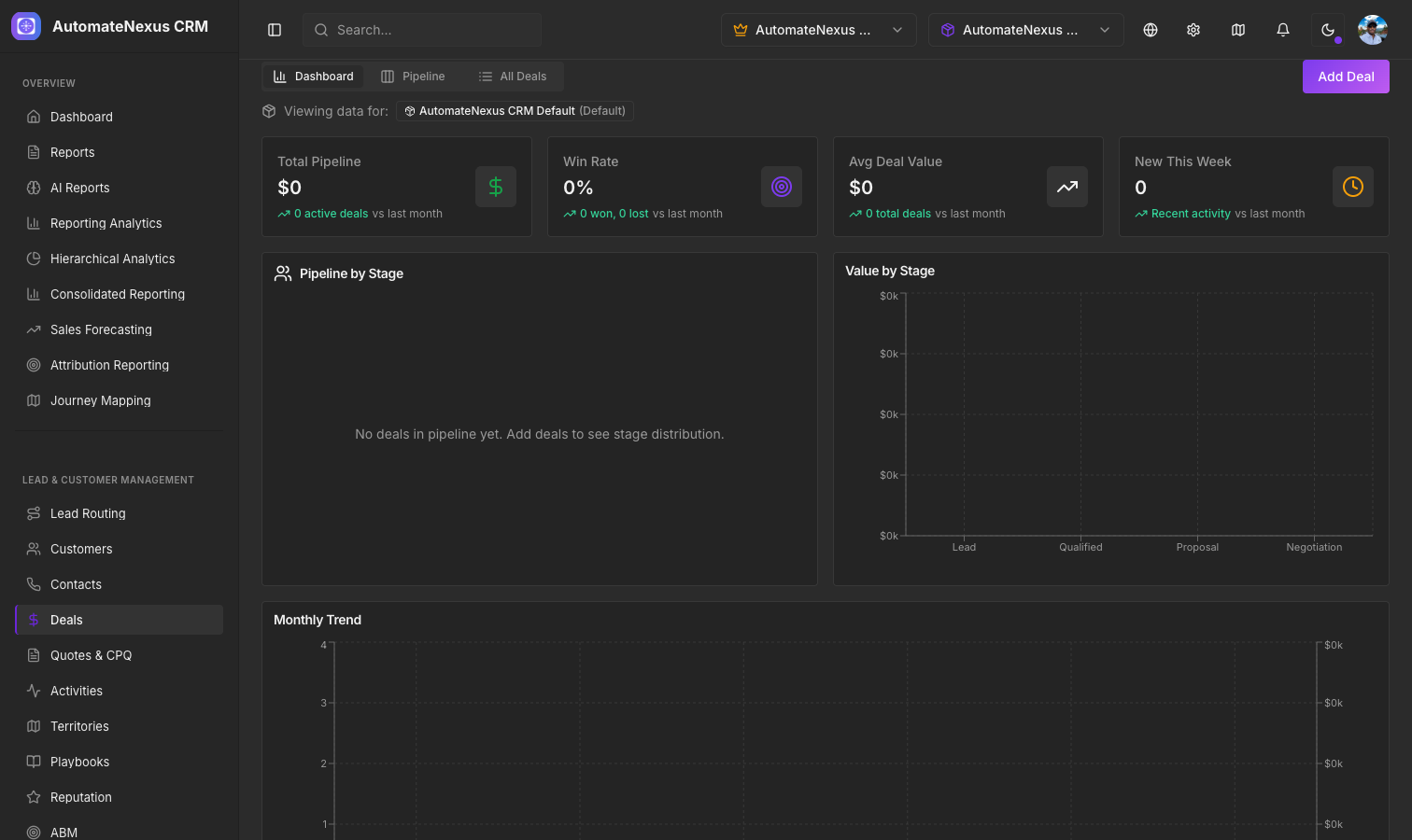
The Kanban Pipeline
The Visual Deal Pipeline is a drag-and-drop Kanban board that gives you a complete view of your sales process. Each column represents a pipeline stage, and each card represents a deal.
Pipeline Stages
Stages are fully customizable and database-backed. The default stages are:
- Lead — Initial contact, low probability
- Qualified — Lead has been qualified as a potential opportunity
- Proposal — A proposal or quote has been sent
- Negotiation — Terms are being negotiated
- Closed Won — Deal successfully closed
- Closed Lost — Deal did not close
Each stage has a configurable color, win probability percentage, and position. Administrators can add, remove, or reorder stages from the pipeline settings.
Deal Cards
Each deal card on the board displays:
- Deal name and company
- Deal value in your configured currency
- Win probability based on the current stage
- Assigned rep avatar
- Days in stage — How long the deal has been in its current stage
Drag and Drop
Move deals between stages by simply dragging a card from one column to another. When you drop a deal into a new stage, the change is automatically saved to the database. The pipeline summary updates in real-time to reflect the new totals.
Quick-Add Deals
Each pipeline column has an inline quick-add form at the bottom. Click the + button to create a new deal directly in that stage without opening a full form. Enter the deal name and value, and it is instantly added to the pipeline.
Weighted Pipeline Values
Each stage column header shows two values:
- Total value — Sum of all deal values in that stage
- Weighted value — Total value multiplied by the stage win probability
The pipeline summary bar at the top shows the overall weighted pipeline total, giving you a realistic view of expected revenue.
Multiple Pipelines
Organizations can create multiple pipelines for different sales processes (e.g., New Business, Renewals, Partnerships). Switch between pipelines using the pipeline selector at the top of the page.