

Embedded Payments on Forms
Payment Collection
Add payment fields to any form in AutomateNexus to collect payments at the point of conversion. Whether it is a booking page, registration form, or custom checkout flow, embedded payments make it seamless.
Setting Up Payments
To add payment collection to a form:
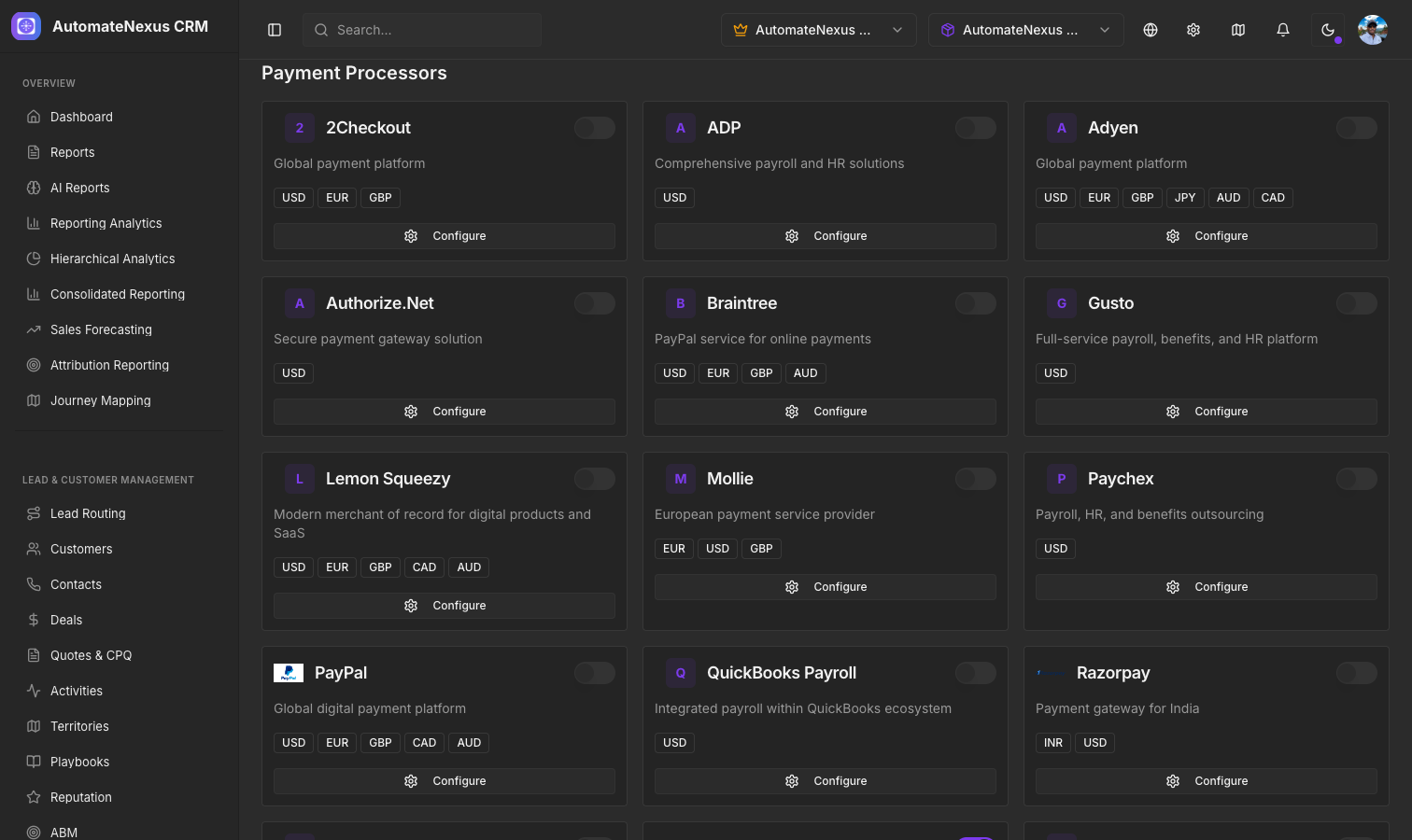
- Navigate to Settings > Payment Processors and connect your Stripe account
- Open the form editor and add a Payment Field
- Configure the payment amount and currency
- Choose the payment type: one-time or recurring
- For recurring payments, set the billing interval (monthly, quarterly, yearly)
Payment Types
- One-Time Payments — Collect a single payment when the form is submitted. Ideal for product purchases, event registrations, and consultation fees.
- Recurring Payments — Set up automatic billing on a schedule. Perfect for subscriptions, memberships, and retainer agreements.
Currency Support
Embedded payments support multiple currencies including USD, EUR, GBP, CAD, and AUD. Select the appropriate currency when configuring your payment field.
Payment Processing
When a form is submitted with payment:
- A payment intent is created via Stripe
- The customer card is securely processed
- A confirmation is shown on the form
- The payment is logged in your CRM records
- An invoice can be automatically generated
Security
All payment processing is handled securely through Stripe. Card details are never stored on AutomateNexus servers. Stripe handles PCI compliance, encryption, and fraud detection.